
What it does
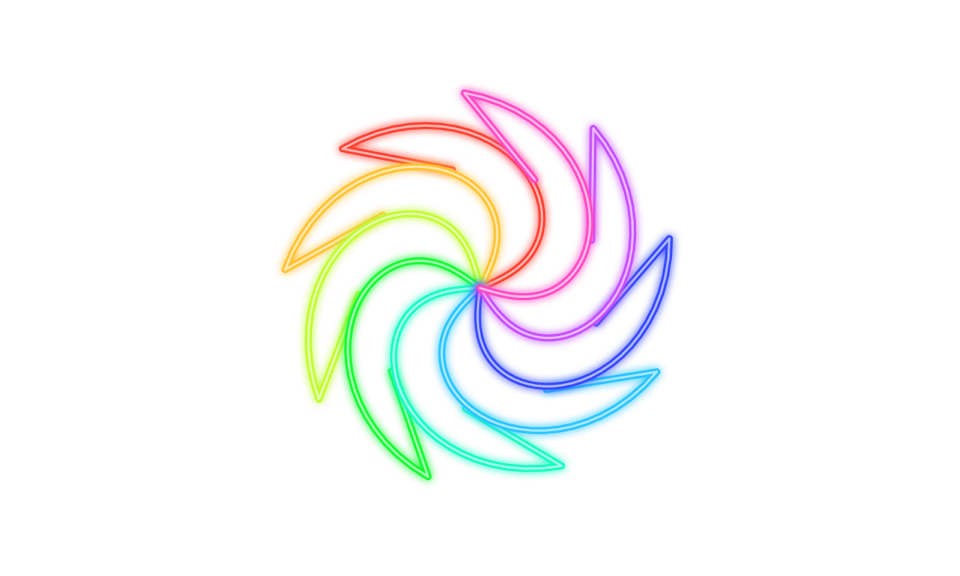
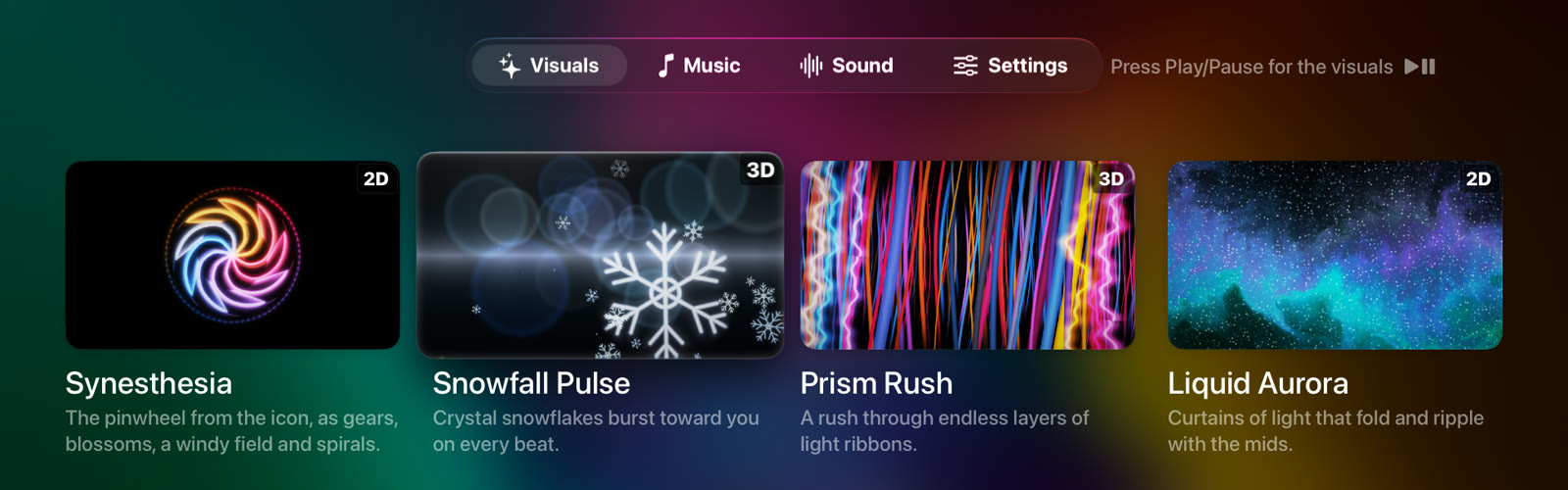
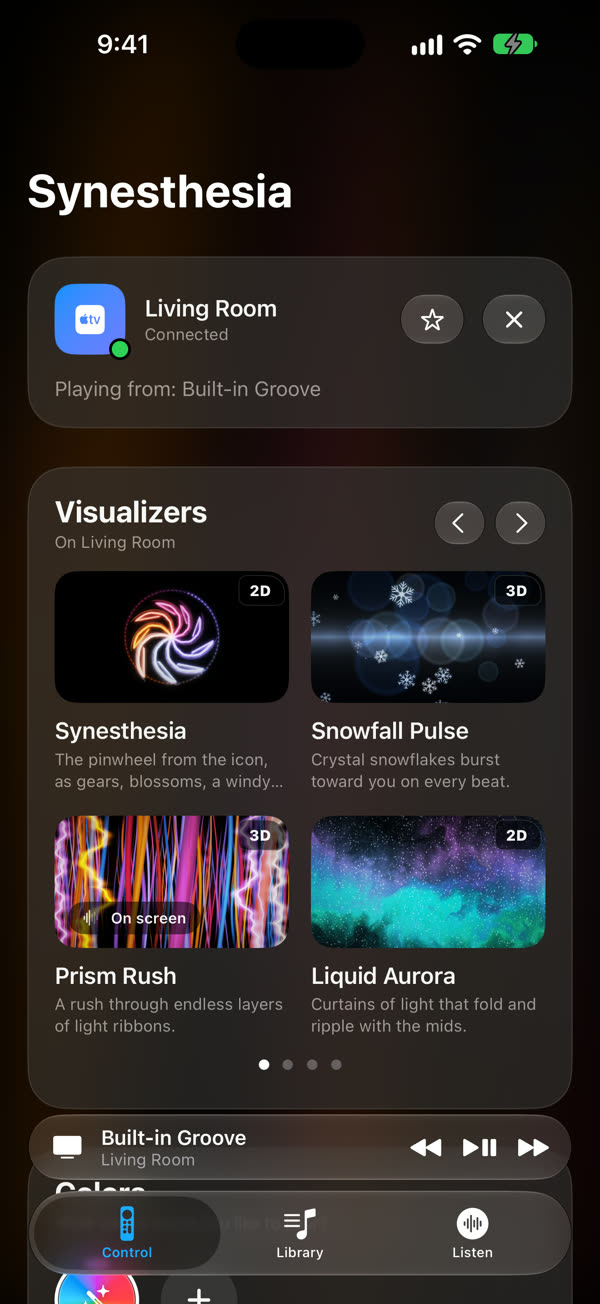
Synesthesia shows visuals on your TV that react to whatever music you're playing. There are fourteen of them, some flat and some 3D (a pinwheel that turns into gears, a crystal cave, a city that grows with the bass, fireworks over the water and so on), and they all change based on the music. If you leave it alone it switches from one to the next by itself, and it waits for a beat to do it.
You'll like some, and you'll think some suck... just like any other visualizer. Before you criticize, though, Snowfall Pulse (the snowflake one) was my first experiment, made with holiday music for my mom. If you don't like it, suck eggs. I kid.
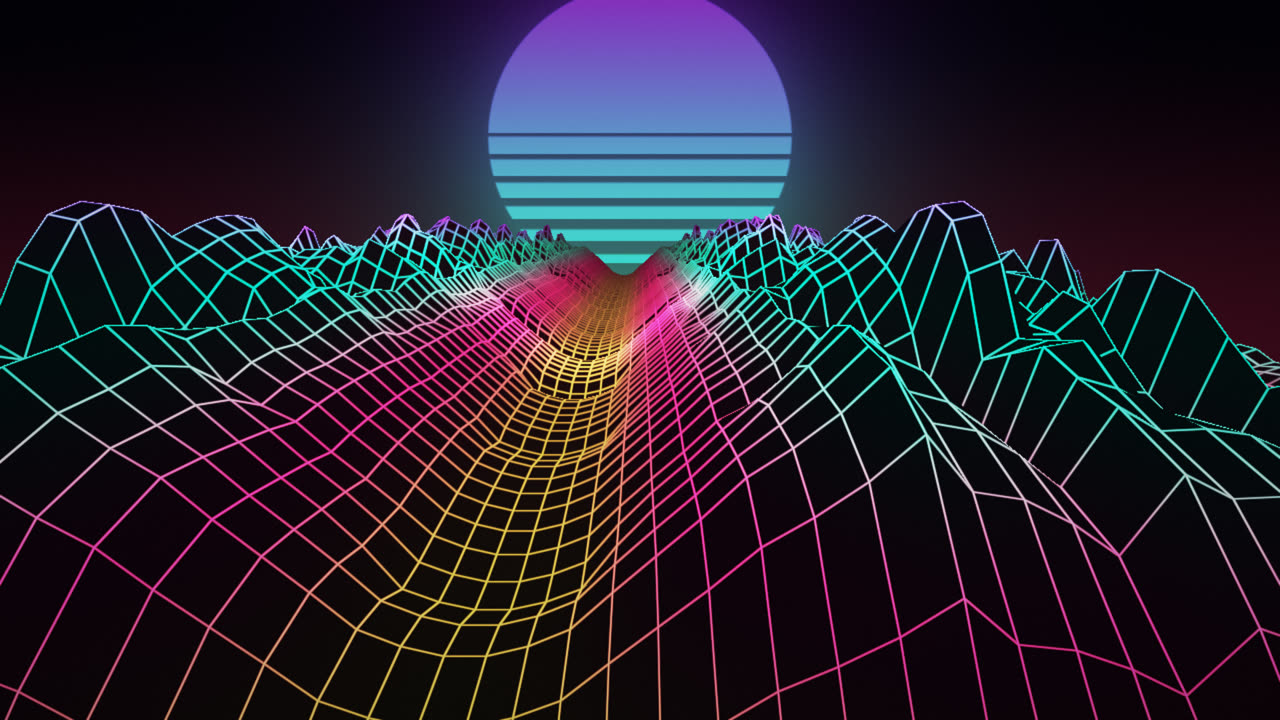
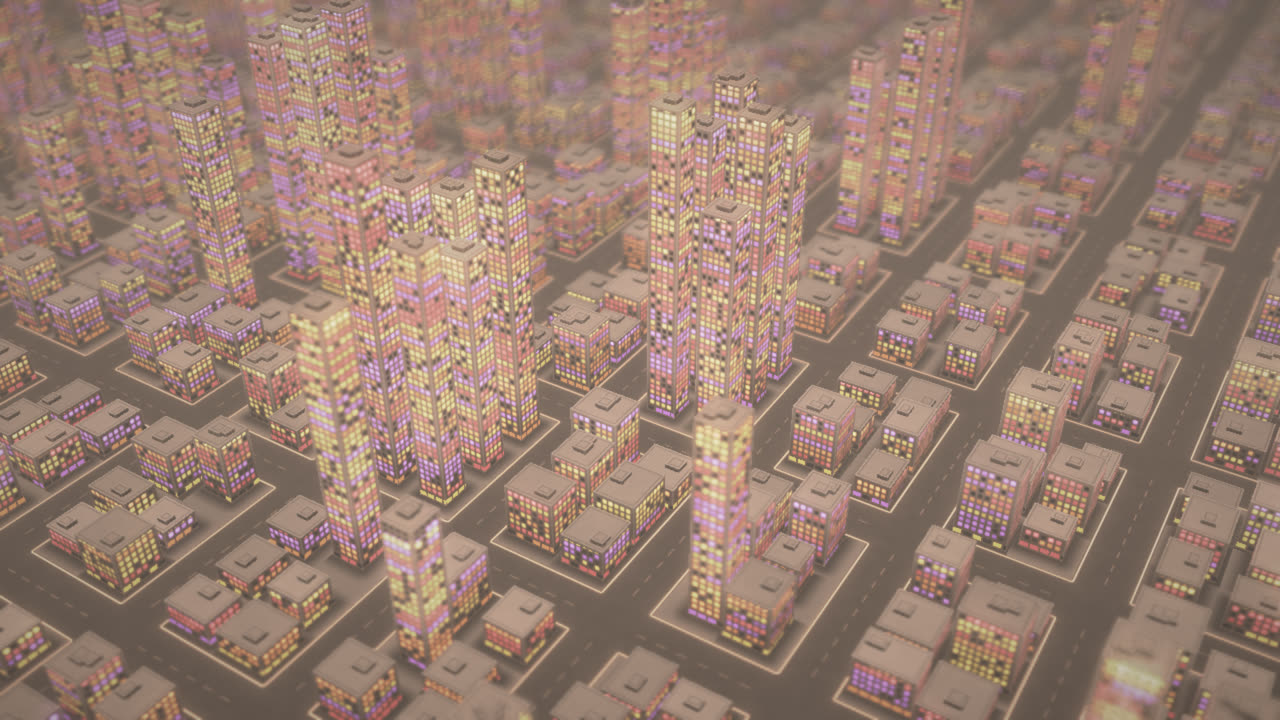
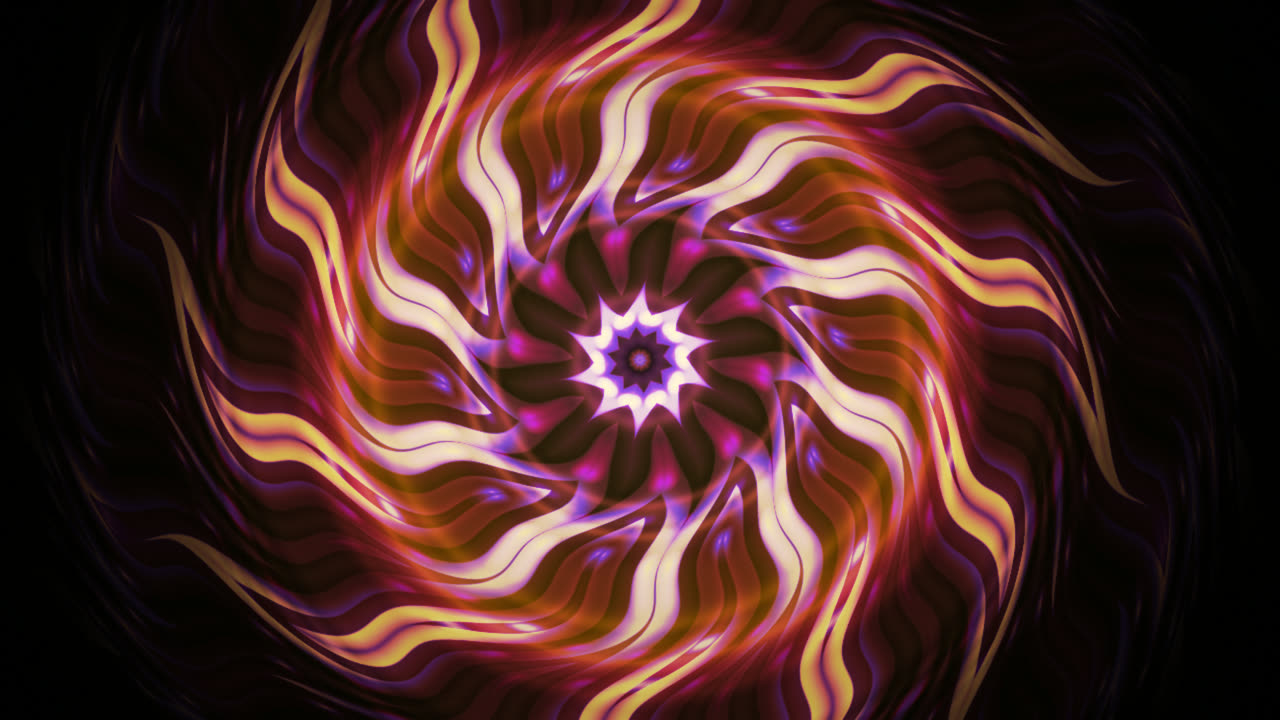
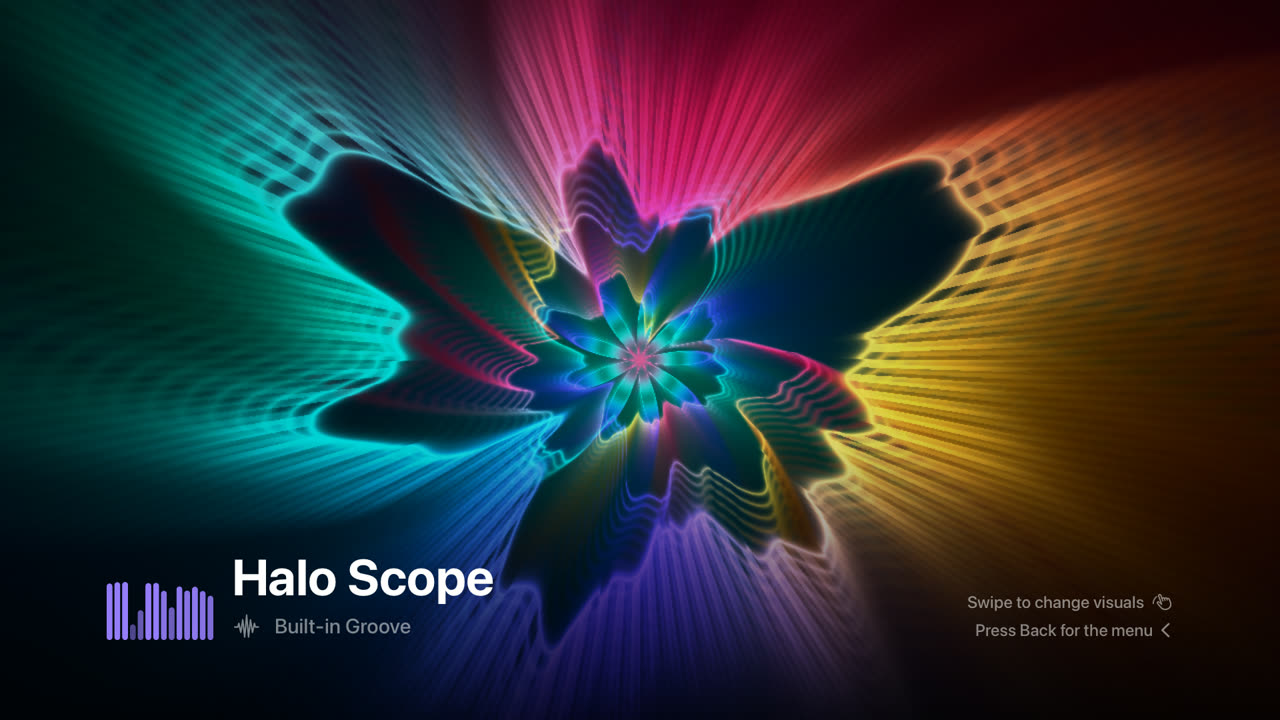
Where the sound comes from
There's a plodding synth track that plays to annoy you (and me) and at least give you an idea of what the app does... in case this is your first time experiencing "music" and you've got none of your own. Songs stored on your iPhone or iPad can be sent to the TV and played there, and for everything else (Apple Music included) the phone's microphone listens to the room while the TV follows along.
Colors
When a song has album art, Synesthesia pulls its colors out of the cover, and when it doesn't, each visualizer uses its own. You can also make palettes of your own (anywhere from one to eight colors, on the phone or right on the TV) and set how much they count, from "the album art wins" to "my palette, thanks."
The colors follow the music too, starting with frequency. Synesthesia splits the sound into 64 slices from the deepest bass to the highest treble, and the balance between the two leans everything a little warmer when the bass is doing the work and a little cooler when the treble takes over. Strong beats step along to the next colors in the palette (more often when the song is busy), loud parts get richer and brighter, and quiet parts soften up. A lot of the visualizers also give each slice its own piece of the picture, like the bars in Glass Spectrum or the crystals in Crystal Cavern, so you can see where the energy in a song is sitting.
Rule the party with zero eye contact
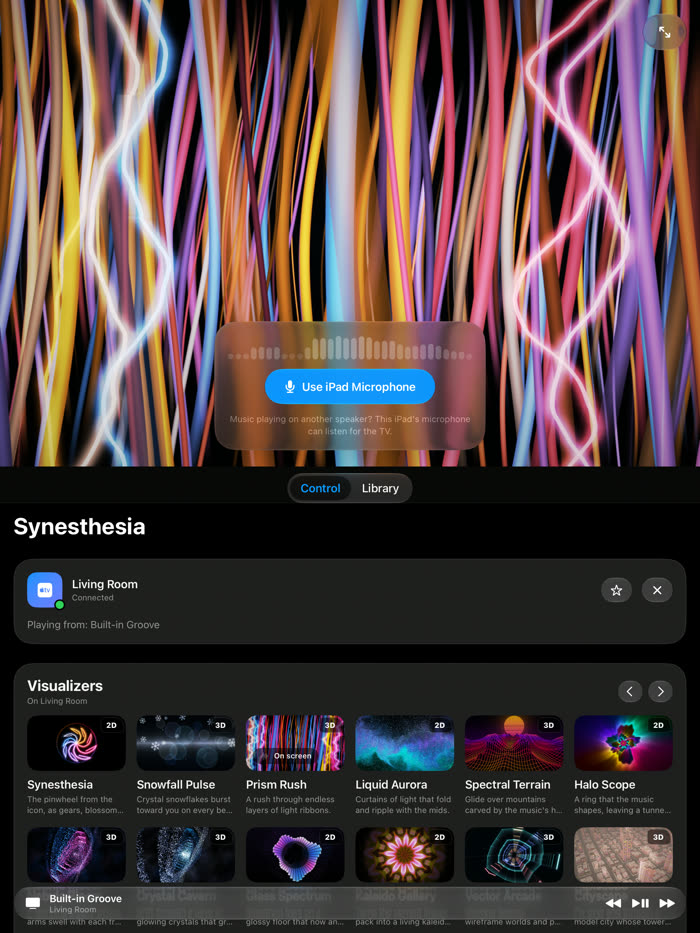
The iPhone and iPad app picks the visualizer, sets the colors and queues up songs. Press and hold a visualizer to watch it run before you put it on the TV. Friends can join from their own phones and add songs too, and everyone gets their own color in the queue so you can see who added what. Best of all, no one even has to talk to or acknowledge one another!
On an iPad the visuals run right next to the controls and follow whatever the TV is showing.
What it doesn't do
The app isn't magic. It can't make Apple open up tvOS media access, or do anything at all with Apple Music audio. You're going to have to play music you own, not rent. Or, use the microphone feature to play music from anywhere and drive the visualization with whatever you want... but with a sad little delay, because physics and stuff.
What it costs
Synesthesia is free, although a few of the visualizers need a one-time unlock for $3.99, and that one purchase covers your Apple TV, iPhone and iPad. There's no subscription and there are no ads, and you don't need an account.
What you need
You need an Apple TV with tvOS 27 or later, and for the remote, an iPhone or iPad with iOS 27 or iPadOS 27 (it's the same app on all three) on the same Wi-Fi as the TV.*
* I hate when instructions read like that. My Apple TV uses Ethernet. My devices are on Wi-Fi. This works fine too, unless you're isolating your private Wi-Fi network from your private Ethernet... 'cause SECURITY! If you're doing that, I trust you're smart enough to make the networking work regardless. I digress.
The App Store link goes here once App Review says yes.